Copied.
Kept.
Close at hand.
Keep text, links, and images in one place. Retrieve something when you need it, and clear it out when you don’t.
Requires iOS 27 or later. No manual configuration: add the shortcut and start using it.


For the things
you want to come back to.
Copy something useful
Copy the text, link, or image you want to keep.
Save it with the shortcut
Run the Clipboard shortcut to save the copied item to your collection.
Come back when you need it
Open your saved items to retrieve something or delete what you no longer need.
A small shortcut.
A handy little collection.
More than one copied item.
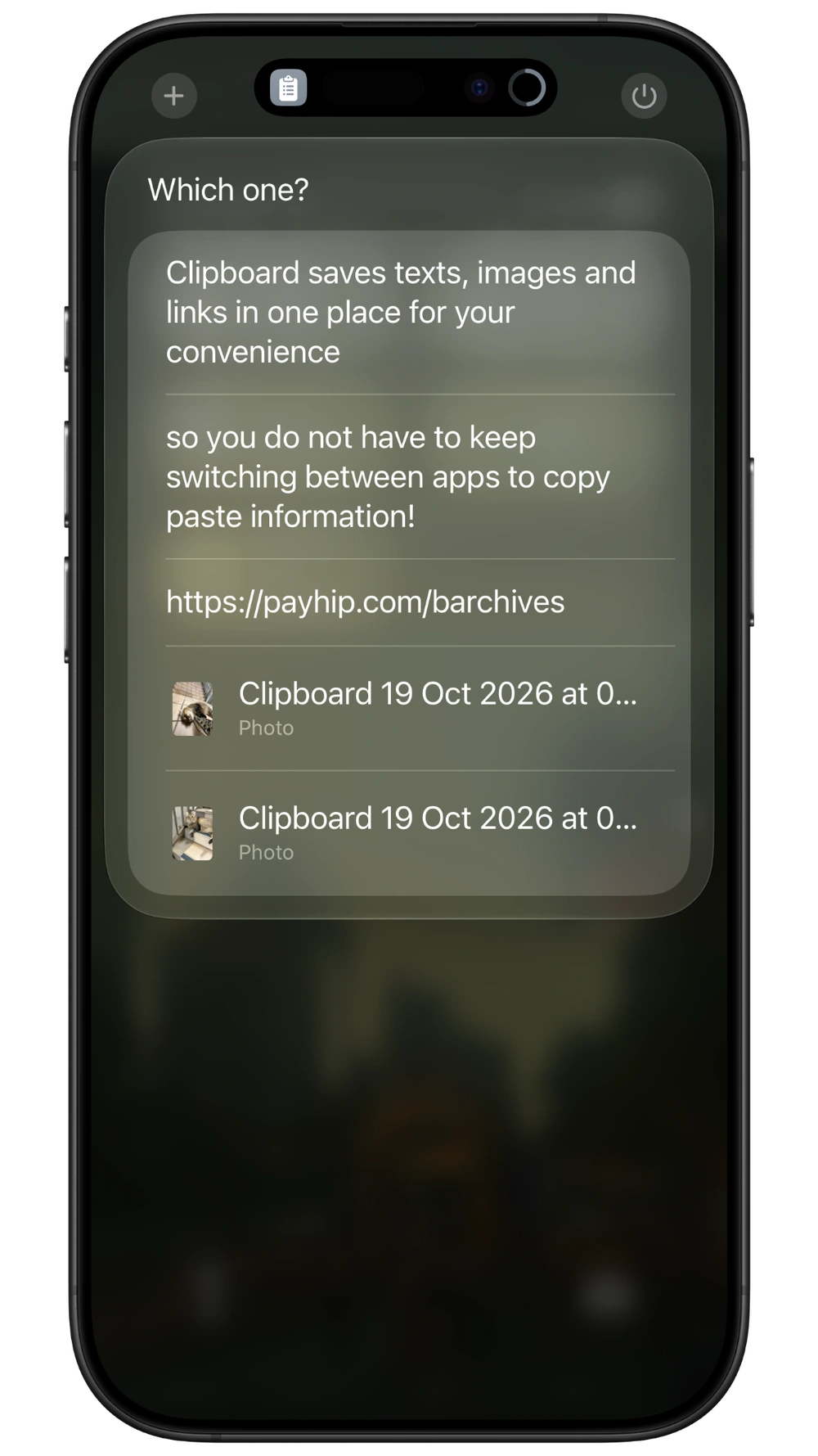
Build a collection of useful text, website links, and images instead of keeping only the latest thing you copied.
Find it again.
Open the saved-items list and choose what you want to retrieve.
Keep the collection useful.
Delete items you’re finished with, whenever you choose.
Add it. Use it.
No manual setup or third-party app to configure. The shortcut requires iOS 27 or later.
The actual screens.
The everyday workflow.
Explore the previews. Select any image for a closer look.
A question
before you start?
A few things to know about Clipboard Manager. If something is still unclear, send me a note.
Ask BingWhich iOS version do I need?
Clipboard requires iOS 27 or later.
Does it need setup?
No manual setup is required. Add the shortcut and start using it.
What can I save?
The shortcut is designed for text, links, and images.
Does it silently save everything I copy?
The save workflow is triggered by running the shortcut. The product does not promise a silent record of every copy across your device.
Where are my saved items kept?
The shortcut stores your saved collection on your own device. No extra third-party app is required.
A little less
“where did I put that?”
Clipboard Manager · S$3 · iOS 27+
A few other useful things